

Documentation Index
Fetch the complete documentation index at: https://docs.viscribe.ai/llms.txt
Use this file to discover all available pages before exploring further.
Overview
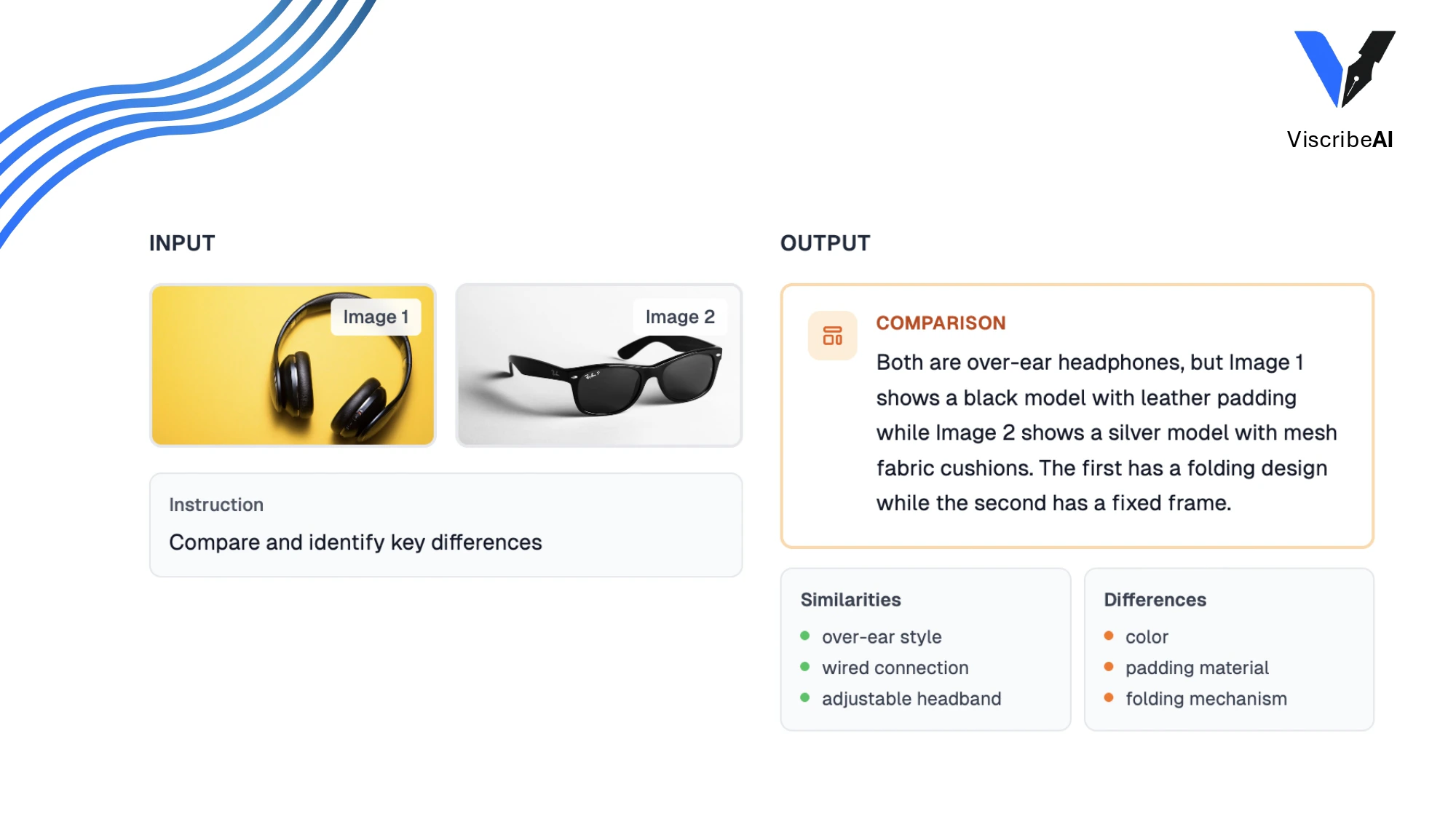
The Compare endpoint analyzes two images side-by-side to identify similarities and differences. Perfect for quality control, change detection, and product variation analysis.How It Works
The Compare endpoint uses AI to analyze both images and provide a detailed comparison, highlighting similarities, differences, and key changes between them.Key Benefits
- Change Detection: Identify differences between images quickly and accurately
- Quality Control: Compare products, packaging, or outputs to verify consistency
- Efficiency: Perform quality control 60% faster than manual comparison
- Detail: Get comprehensive analysis of similarities and differences
Use Cases
Quality Control
Compare products, packaging, or outputs to verify quality standards and identify variations or defects. Example:Before/After Analysis
Track changes over time, such as construction progress, product iterations, or environmental changes.Product Variations
Compare different versions or variants of products to identify design differences.Document Verification
Compare documents or forms to detect changes, modifications, or discrepancies.API Reference
For detailed API documentation, see the Compare endpoint reference.Python SDK
Learn how to use the Compare endpoint with our Python SDK
API Specification
View the complete API reference for the Compare endpoint